
Admin Panel

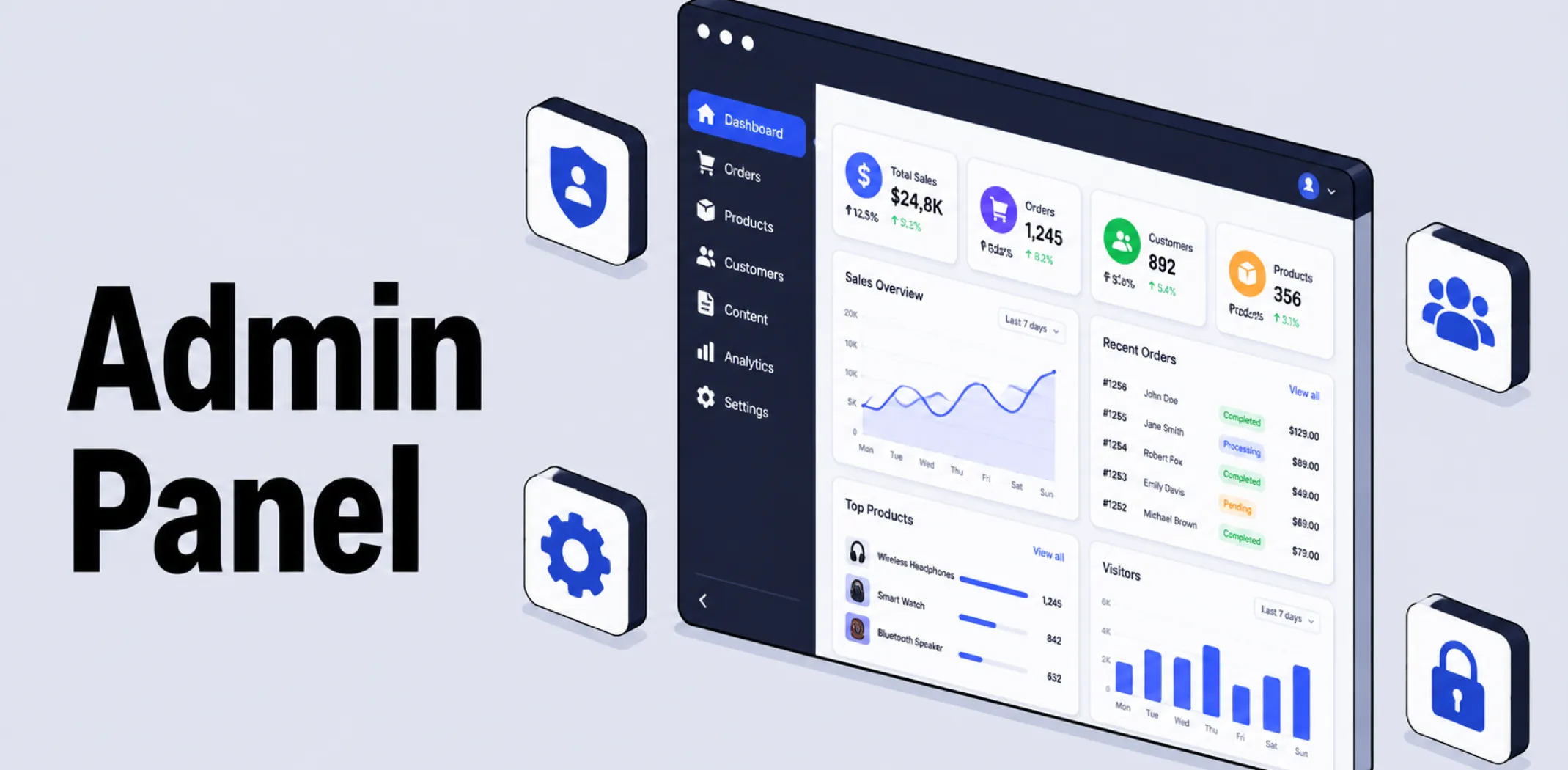
An admin panel is the secure, login-protected backend section of a website, platform, or piece of software where authorized users manage core settings, content, and the access permissions of other accounts on the system.
Access to an admin panel is governed by an authentication and authorization system: authentication confirms that a user is who they claim to be, typically through a login and password, while authorization determines what that authenticated user is permitted to see and do once inside.
Most platforms implement this through role-based access control, in which users are assigned roles such as Administrator, Editor, or Contributor, each carrying a predefined set of permissions. On WordPress, for example, the default roles range from Administrator, with full control over plugins, themes, and other user accounts, down to Subscriber, with minimal access limited to managing one’s own profile.
A single top-level Super User or Super Administrator account often exists above these roles, holding system-wide access that cannot be restricted or edited by regular administrators.
While the term admin panel is sometimes used interchangeably with dashboard, the two emphasize slightly different aspects of the same area. “Dashboard” tends to describe the visual overview screen a user sees after logging in, often built around widgets, charts, and at-a-glance summaries.
“Admin panel” more often refers to the underlying access point and control structure itself, encompassing not just the overview screen but every settings page, user list, and permissions setting reachable once a user has successfully logged in. In casual use on most ecommerce and content platforms, the two terms largely overlap and are frequently used to mean the same thing.
Example
A growing online store has a small team: an owner, a marketing manager, and a customer support assistant. The owner sets up the admin panel so that the marketing manager has access to discount codes and email campaigns but cannot view sensitive financial reports, while the support assistant can view and respond to customer orders but cannot change store-wide settings. Each team member logs into the same admin panel, but the menus and options they see differ according to the role assigned to their account.
Key characteristics
- Login-protected access: Entry to an admin panel requires authentication, typically a username and password, sometimes combined with two-factor authentication for additional security.
- Role-based permissions: Most admin panels assign each user a role that determines which sections, settings, and actions they are able to access, rather than granting every logged-in user identical access.
- Centralized system control: Beyond day-to-day tasks, an admin panel typically includes deeper configuration options, such as user management, security settings, and integrations with third-party tools.
- Distinct from public-facing pages: An admin panel is entirely separate from the storefront or public website that customers see, even though both may run on the same underlying platform.
- Often extended by plugins or apps: On many platforms, installing a plugin or app adds new sections or settings pages directly into the existing admin panel rather than creating a separate interface.
Related terms
- Dashboard – the visual overview screen within an admin panel, often the first page a user sees after logging in.
- WooCommerce – an ecommerce plugin for WordPress that adds dedicated store management sections directly into the WordPress admin panel.
- Plugin – an installable add-on that frequently adds new settings pages or sections within an existing admin panel.
- App – a platform add-on, typically installed and configured through the same admin panel used to manage the rest of a store.
- Ecommerce – the broader category of online commercial activity that an admin panel is used to manage and control.
Frequently asked questions
What is the difference between an admin panel and a dashboard?
The two terms largely overlap in everyday use, but “dashboard” tends to refer specifically to the visual overview screen seen after logging in, while “admin panel” refers more broadly to the entire login-protected backend, including every settings page and permissions control reachable from that login.
Can I limit what different team members can do in the admin panel?
Most platforms support role-based access control, allowing a store owner to assign different roles, such as Administrator, Editor, or limited staff accounts, each with a different level of access. This makes it possible to give team members the access they need for their tasks without exposing sensitive settings or data.
Is the admin panel visible to customers?
No, the admin panel is entirely separate from the public-facing storefront or website that customers interact with. Access requires a valid login, and customers browsing or purchasing from a store have no visibility into the admin panel itself.
Do plugins and apps create their own separate admin areas?
Most plugins and apps integrate directly into the existing admin panel rather than creating an entirely separate login or interface, typically adding new menu items or settings pages within the platform’s existing structure. This keeps store management centralized in one place rather than spread across multiple disconnected systems.
AliDropship: An all-in-one platform for starting dropshipping in 2026
AliDropship is a dropshipping platform that covers store creation, product imports, order automation, and marketing within a single system. It is designed for users with no prior ecommerce experience, though it also supports scaling for more established stores.
🛍️ Free turnkey store
New users receive a free pre-built store – set up, designed, and stocked with products. The store includes a ready-to-use product catalogue and a standard storefront design. It also comes with hosting, a domain, SSL, and payment systems already set up and included.
📦 Products
The platform provides access to a product catalogue covering both trending and niche items, with one-click import to your store. The catalogue is updated regularly to reflect current market availability. Products can be browsed, filtered, and added without leaving the platform.
🚚 Shipping & fulfillment
AliDropship provides access to a vast catalogue of products from global suppliers and handles order fulfillment automatically once a purchase is made. Customers receive tracking information directly, and orders are processed without manual intervention from the store owner.
📣 Marketing & promotion tools
The platform includes built-in marketing tools covering email campaigns, discount management, SEO settings, and social media integration. These are available within the dashboard and do not require third-party subscriptions for basic use.
👌 Ease of use
AliDropship requires no coding knowledge. The dashboard contains all the necessary tools for managing your store, products, and orders in one place. Additional features and products can be added as the store grows without rebuilding the existing setup.
What is the difference between an admin panel and a dashboard?
Can I limit what different team members can do in the admin panel?
Is the admin panel visible to customers?
Do plugins and apps create their own separate admin areas?
Are you ready to become an owner
of a profitable online business?
Free Dropshipping Guide