
Page Builder

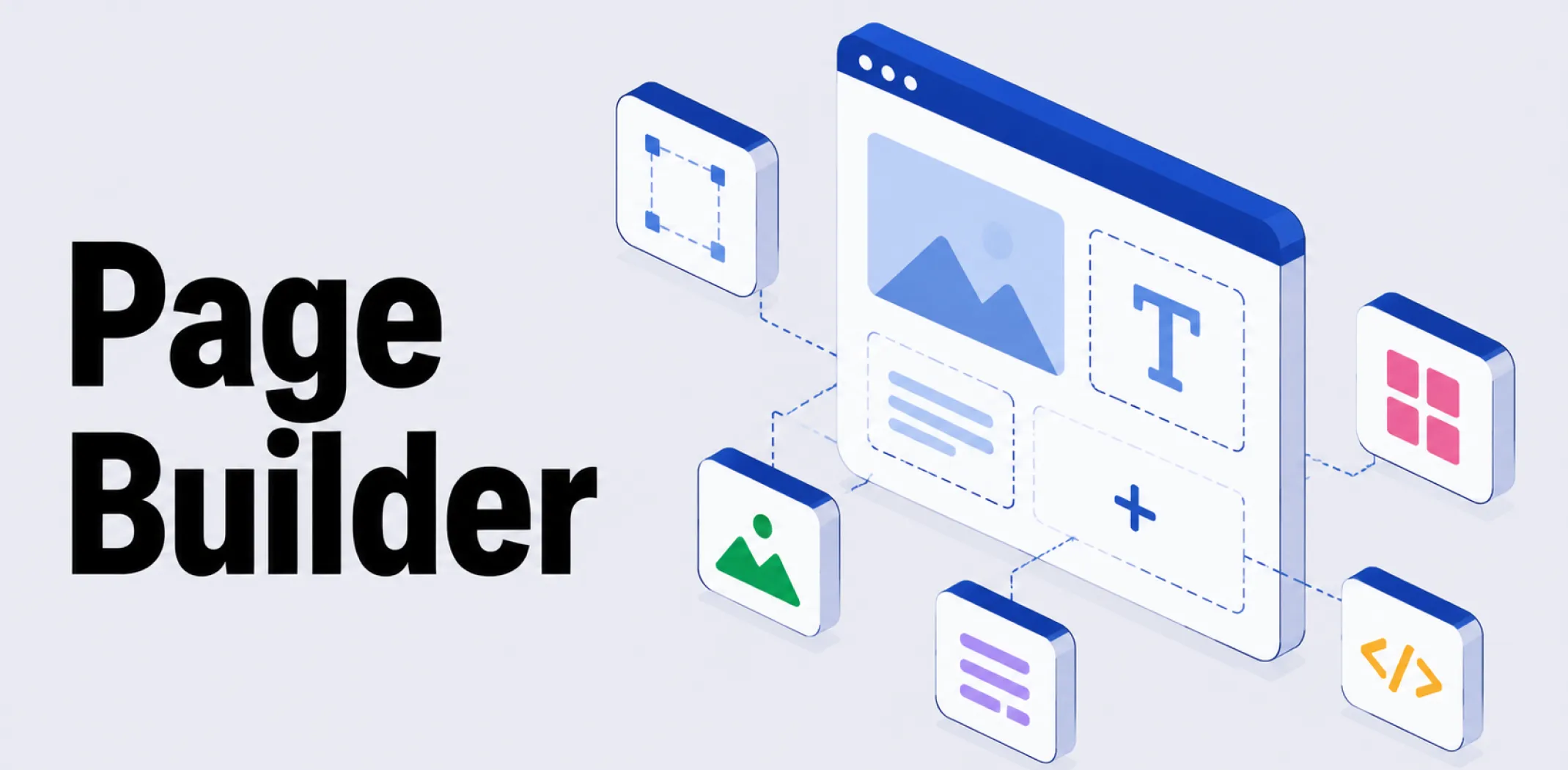
A page builder is a type of plugin that replaces a website’s default content editor with a visual, drag-and-drop interface, allowing users to design custom page layouts by arranging elements directly on a live preview rather than writing code or relying solely on a fixed theme template.
Most page builders, such as Elementor and Divi on WordPress, work by adding rows and columns to a page and letting users drag pre-built elements, commonly called widgets or modules, into that structure: headings, images, buttons, forms, and similar content blocks.
Selecting any element opens a settings panel where its styling, spacing, and behaviour can be adjusted, with changes appearing immediately on the live preview rather than requiring a separate save-and-check step. This differs from a standard theme, which defines a fixed overall layout: a page builder instead gives the user direct control over the structure of individual pages, often page by page, while still operating within an installed theme.
Many modern page builders have expanded beyond individual pages into full theme building, letting users visually design site-wide elements such as headers, footers, and blog post layouts using the same drag-and-drop interface, with display conditions controlling where each design appears across the site.
This blurs the line between a page builder and a theme somewhat, since a sufficiently capable page builder can effectively replace most of a theme’s design responsibilities. Page builders are commonly used to build landing pages, sales pages, and other one-off layouts that differ from a site’s standard page template, which is also why some page builder tools are offered as standalone, hosted services rather than plugins tied to a specific CMS.
Example
A merchant wants to create a dedicated landing page for a limited-time product promotion that looks different from the rest of their store’s pages. Using a page builder plugin, they drag a full-width image section to the top of a blank page, add a headline and countdown timer widget beneath it, then insert a product grid and a call-to-action button further down, adjusting colors and spacing directly on the live preview. The finished page is published without the merchant writing any HTML or CSS, and the rest of the store’s pages remain unaffected by the design choices made on this one page.
Key characteristics
- Replaces the default editor: Activating a page builder typically adds a dedicated editing button that opens its own visual interface in place of the platform’s standard content editor.
- Row and column structure: Most page builders organise content into rows and columns, into which individual widgets or modules are dragged and arranged.
- Live, inline editing: Changes to text, images, and styling typically appear immediately on a real-time preview of the page, rather than requiring a separate preview step.
- Page-level or site-wide use: A page builder can be used to design individual pages, such as landing pages, or extended through theme-building features to control site-wide elements like headers and footers.
- Plugin dependency: Pages built with a page builder are often tied to that specific plugin’s code, meaning deactivating the plugin can leave a page’s layout broken or unreadable.
Related terms
- Plugin – the broader category of installable add-on that a page builder belongs to, specifically focused on visual page design.
- Theme – the template layer that defines a site’s default layout, which a page builder can override on individual pages or, in some cases, replace entirely through theme-building features.
- Template – a pre-built layout that many page builders offer as a starting point, which users can then customise within the builder’s interface.
- Landing page – a standalone page commonly built using a page builder, since it often requires a layout different from the rest of a site.
- WooCommerce – an ecommerce plugin that many page builders integrate with directly, adding widgets for displaying products, carts, and checkout elements.
Frequently asked questions
What is the difference between a page builder and a theme?
A theme defines a site’s overall default layout and styling, while a page builder gives direct, page-by-page control over design by letting users drag and arrange elements visually. Some page builders also include theme-building features, allowing them to control site-wide elements like headers and footers as well.
Do I need coding skills to use a page builder?
No, page builders are designed to let users create custom page layouts without writing code, using a visual drag-and-drop interface. Developers can typically still add custom CSS or HTML for additional control, but this is not required for standard use.
What happens to my pages if I deactivate a page builder plugin?
Pages built with a page builder are often tied closely to that plugin’s underlying code, so deactivating the plugin can leave page layouts broken, unstyled, or filled with unreadable shortcodes. This is an important consideration when choosing a page builder, since switching away from one later can require rebuilding affected pages.
Can a page builder be used for ecommerce pages?
Yes, many page builders integrate directly with ecommerce plugins such as WooCommerce, offering dedicated widgets for product displays, shopping carts, and checkout elements that can be dragged into a page layout alongside standard content blocks.
AliDropship: An all-in-one platform for starting dropshipping in 2026
AliDropship is a dropshipping platform that covers store creation, product imports, order automation, and marketing within a single system. It is designed for users with no prior ecommerce experience, though it also supports scaling for more established stores.
🛍️ Free turnkey store
New users receive a free pre-built store – set up, designed, and stocked with products. The store includes a ready-to-use product catalogue and a standard storefront design. It also comes with hosting, a domain, SSL, and payment systems already set up and included.
📦 Products
The platform provides access to a product catalogue covering both trending and niche items, with one-click import to your store. The catalogue is updated regularly to reflect current market availability. Products can be browsed, filtered, and added without leaving the platform.
🚚 Shipping & fulfillment
AliDropship provides access to a vast catalogue of products from global suppliers and handles order fulfillment automatically once a purchase is made. Customers receive tracking information directly, and orders are processed without manual intervention from the store owner.
📣 Marketing & promotion tools
The platform includes built-in marketing tools covering email campaigns, discount management, SEO settings, and social media integration. These are available within the dashboard and do not require third-party subscriptions for basic use.
👌 Ease of use
AliDropship requires no coding knowledge. The dashboard contains all the necessary tools for managing your store, products, and orders in one place. Additional features and products can be added as the store grows without rebuilding the existing setup.
What is the difference between a page builder and a theme?
Do I need coding skills to use a page builder?
What happens to my pages if I deactivate a page builder plugin?
Can a page builder be used for ecommerce pages?
Are you ready to become an owner
of a profitable online business?
Free Dropshipping Guide